
· Proton · 1 min read
Favorite Place Management
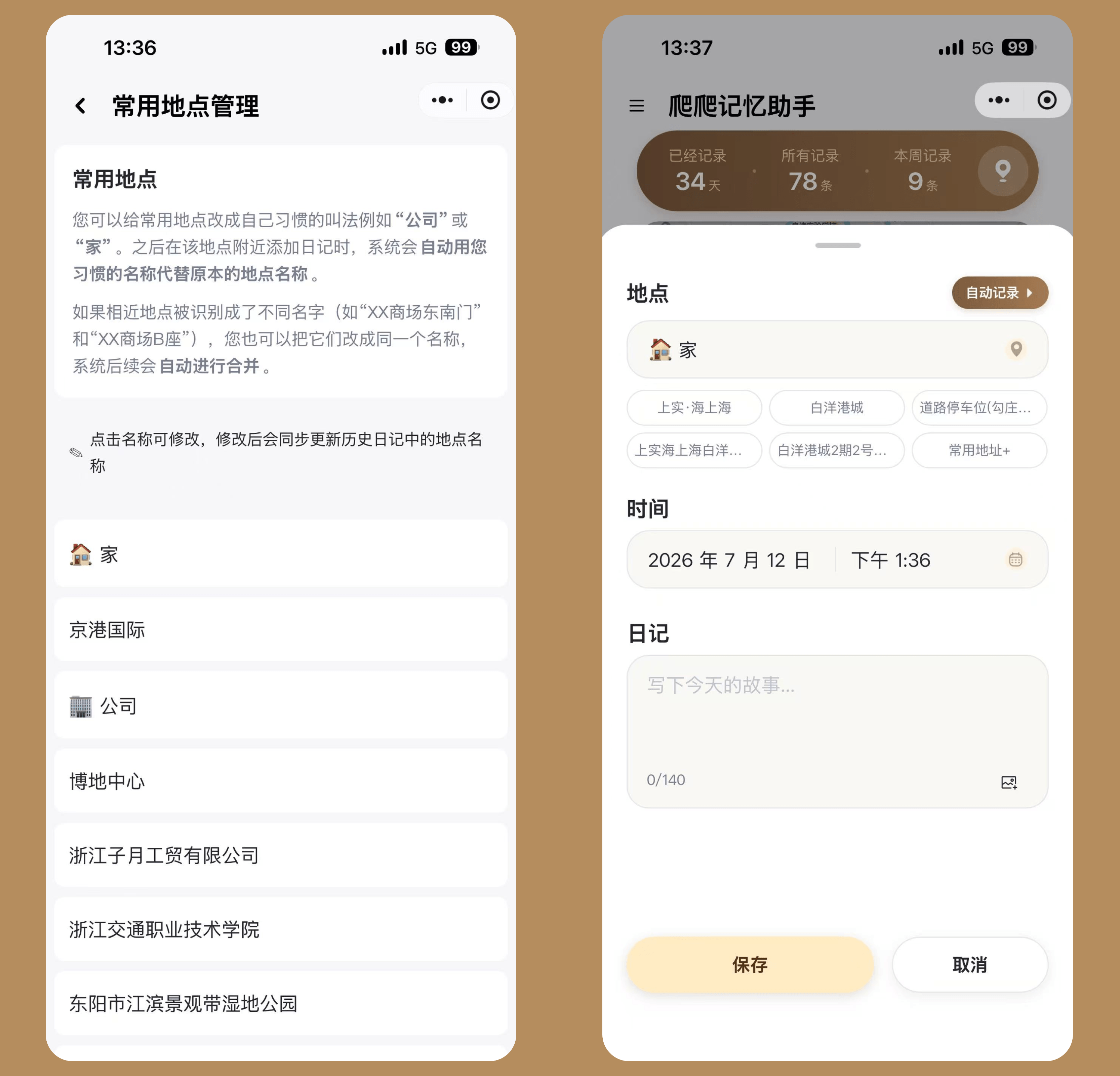
You can rename frequent locations to your preferred names, such as “Company” or “Home”. From then on, when you add a diary near that location, the system will automatically replace the original location name with your custom name.
How to set up:
- Go to “Personal Center” → “Settings” → “Favorite Place Management”
- The list automatically compiles your top 10 most-visited locations every morning
- Tap on an address to rename it to your preferred name
- The system supports quick presets: ”🏠 Home” and ”🏢 Company” — fill in with one tap
Use cases:
- Turn the detailed address returned by location services into “Company”; all diaries at that location will automatically display as “Company”
- When similar locations are recognized as different names (e.g., “XX Mall Southeast Gate” and “XX Mall Block B”), rename them to the same name and the system will automatically unify them going forward
- After renaming, the system automatically updates the corresponding locations in historical diaries